
Inabex Distancia — Secure Remote Assistance
Distancia is Inabex’s tool for taking remote control of your server or client PC, with your authorisation, to diagnose and resolve incidents more quickly — with no technical prerequisites (no port opening, no account creation for the end user, etc.).
Compatible with Windows, macOS and Linux. Lightweight client version, no admin install required (portable mode). Access can only be initiated by Inabex Support.
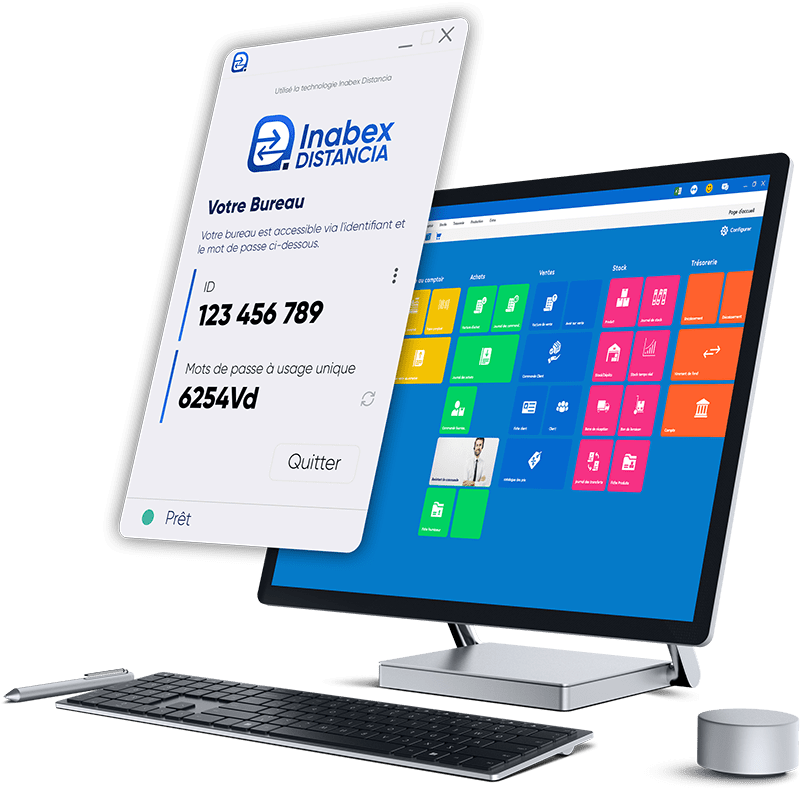
Key features
Temporary access by invitation
A session starts only when you share your session code with the Inabex technician. You remain in control at all times and can follow, in real time, every action performed by the technician.
Smooth performance even on low-bandwidth Internet
Optimised display codec, low-bandwidth support, and intelligent scaling deliver a comfortable response even on limited links.
Files & clipboard
Encrypted file transfer and clipboard synchronisation to speed up diagnosis and the exchange of items.
Multi-platform
Windows, macOS and Linux. Portable binary for quick interventions and an installable package for managed workstations.
FAQ
Does Distancia allow a connection without the user’s involvement?
By default, no. Standard sessions require your code and your consent. Always-on access can be configured on devices managed by Inabex with the company’s explicit authorisation.
Can files be transferred during a session?
Yes. Transfers are encrypted and restricted to session participants.
Who can start a support session?
Only Inabex Technical Support, and nothing starts without your authorisation (sharing the session code).
Do I need to create an account to use Distancia?
No. No account is required for the end user.
Do I need to open ports or change my network configuration?
No. Distancia works without opening ports or requiring technical changes on the user side.
Does Distancia need administrator rights to start?
No. A lightweight portable client lets you run the tool without an admin installation.
Which systems does Distancia run on?
Distancia is multi-platform: Windows, macOS and Linux.
What if my Internet connection is weak?
Distancia is optimised for low-bandwidth links (intelligent scaling) to maintain good responsiveness.
Is the clipboard shared during a session?
Yes, clipboard synchronisation is available to speed up operations (can be enabled/disabled as needed).
Can I transfer files securely?
Yes, file transfers are encrypted and limited to session participants.
Is Distancia intended for the general public?
No. Distancia is reserved for internal support use for Inabex customers.